Just a thought that popped up in my head, has anyone used the Coda AI to point to a PDF (think an organizations operations manual) and set up a coda AI column and an inquiry text column so you could press a button enter an inquiry and the AI will generate a response based on the PDF?
I think this could be a great use case for a custom Q&A section of a project doc.
I’m thinking the summary it generates is directly tied to the name of the file. My original prompt was Summarize @file (the file name is “Employee Policy Manual”) and the result was, “this is a manual for employees”.
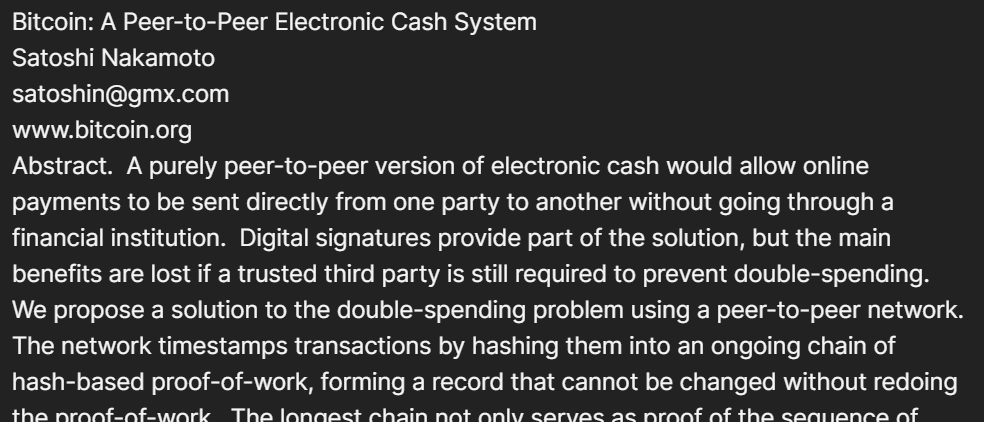
Then i asked it to summarize the first few pages of @file and got the result in the screenshot above
Agree this would be great to understand more.
FYI I tested the public Bitcoin paper https://bitcoin.org/bitcoin.pdf and it worked in a table.
When I downloaded this PDF, and put it in a google drive, that is viewable by anyone, Coda AI failed.
I can share the Coda test file if that is useful.
I’d love to be able to read a PDF from a Google drive link and summarize information using Coda AI. Can anyone from the coda team provide info on whether this is possible?
I have plans to create a PDF file reader as a Pack, but unfortunately it has proven imposible without sending the file content to a server and will take more time