Hi Everyone, i’m new to coda, and i’m trying to replicate some tools i use in other project management software like Wrike or Clickup.
While i’m still learning, i would appreciate if you can give me some pointers/directions or direct me to some template to learn from, to do thoses 2 functions :
1- An user specific weekly “Timesheet” that can list all tasks “charged” during that period for an and hours can be added/modified/deleted from a single view like this example :
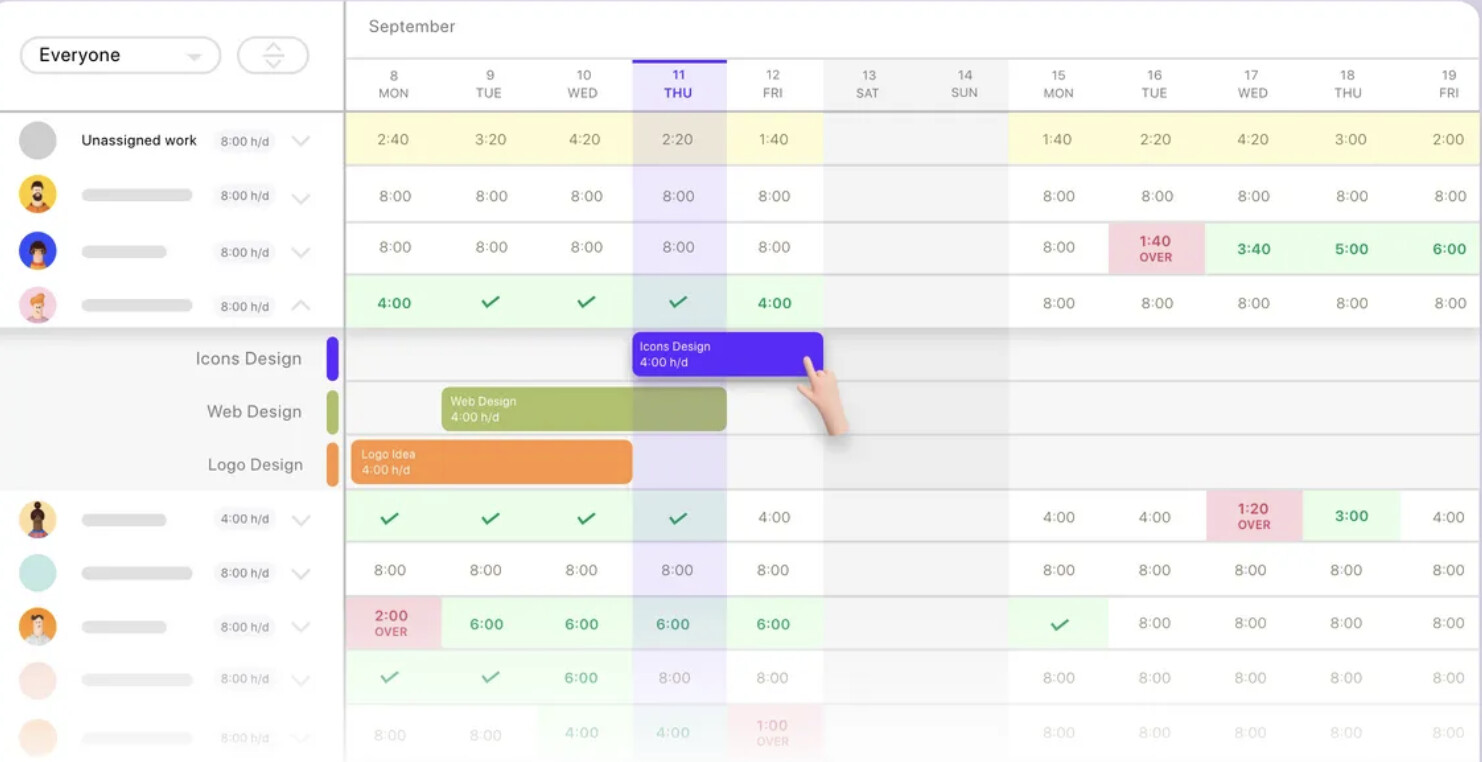
2- A weekly or Bi-weekly workload (hours) that show the workload per day for each person (Based on estimate field in tasks) like this example :
or this one
Thanks in advance
Hi Omar, and welcome to this community !!
For your first example, you can set stuff quite easily, find here a very short example for you to understand the process
- I would create a people and a project database
- A timesheet log database, which is the core of the process
- And a day database
Your timesheet log takes lookup from all the other database, and for each block of work, you create a timelog
What you want is a cool user display :
- I created control for IsoWeekNumber and user and create a filter view of my timesheetlog, group by day in top, and project in left, showing the time I spent
Then I create several “summarizing view” t o have the total easily per day and per project
You can see all of this is obviously dynamic (in this example Omar has no hour entered)

Please have a play with this embed doc to check the formula (I did it quickly) and come back if you have any further question. Is this process you can easily create the table in your second example, with people (check page 2 in embed doc)
Cheers
Q.
Thank you so much Quentin,
That’s extremely helpfull !
Hey @Omar_Mhammedi
Happy you liked it. I think you now have all the keys to build your own tools that will perfectly fit to your needs !